
A calendar widget for your Windows desktop
Spacedash's Calendar puts a month, a week or today's date on your Windows desktop, and shows your events from Google Calendar, Outlook.com or iCloud through their iCal links. It's free and needs no sign-in.
Tap a day to see what's on it, and join a meeting from the widget.
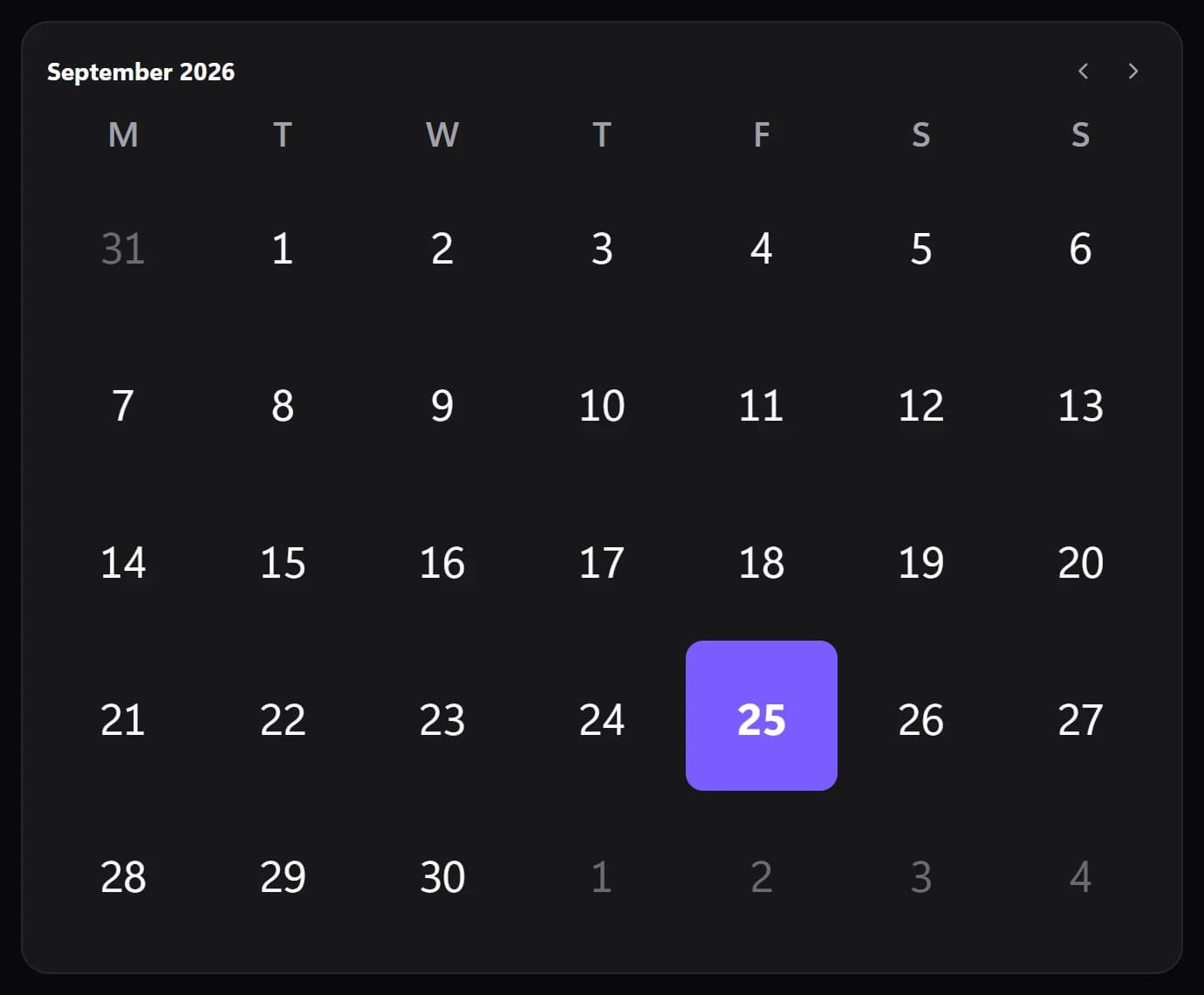
Shown at its default size, with sample data.
What it shows
Six views
Month, This week, Today's date, Month and today, Coming up, or Auto, which picks the view that fits the tile.
Your events
Tap a day to see its events. A “coming up” list of one to six items can sit under the calendar.
Dates you mark yourself
Type dates to mark, such as “2026-10-01 Dentist”, or “12-25 Christmas” to repeat every year.
Week numbers and weekends
Optional week numbers, shaded weekends, and today shown as a filled day, a ring, a dot or in bold.
Where your events come from
The Calendar reads iCal (ICS) links: Google Calendar's secret iCal address, a published Outlook.com calendar or a public iCloud calendar. You paste the link once under Integrations; there is no Google or Microsoft sign-in.
You can add up to five links. The Upcoming widget and the Dynamic Island read the same list, so you set it up once.
Linked calendars refresh every five minutes. The links stay on your PC and aren't included when you share a layout.
Setups that use it
The planning column
The month on top, Upcoming with the next 30 days under it, and tasks beside them.
A week strip
On a short, wide tile the calendar becomes a strip of this week, which fits above a row of smaller widgets.
Counting down
Mark a date in the calendar and give it its own Countdown tile.
What you can set
- View
- Auto (follows the tile's shape) · Month · This week · Today's date · Month and today · Coming up
- Auto shows the week on a short tile, today's date on a small one, the month and today side by side on a wide one, and the month otherwise.
- Week starts on
- Auto · Sunday · Monday · Saturday
- Auto follows your language settings.
- Today
- Filled · Ring · Dot · Bold
- Weekday names
- M T W · Mon Tue
- Month title
- September 2026 · September · Sep 2026
- Arrows to browse months
- Tapping the month's name comes back to today.
- List what's coming up
- The next events and marked dates, under the calendar when there is room.
- Today colour
- Unset, it takes the widget's accent.
- Today's number
- Auto · Light · Dark · Custom
- Auto picks light or dark text from the colour, so it always reads.
- Show days of the months around it
- Week numbers
- Shade the weekend
- Your calendars
- Dates to mark
- How many
- Today's number: custom
- Marked dates colour
- Weekend colour
Parts you can restyle
Resize, recolour, change the font of, or hide each part under Customize → Layout.
- Today's date
- Month
- Days
- Coming up
- Day details
Good to know
- It's read-only: you can see events and open their meeting links, but not create or edit events from the widget.
- Links must start with https:// or webcal://.
- Arrows browse the months, and tapping the month's name returns to today. Left alone, the tile goes back to today by itself after about a minute and a half.
- Tapping a day with events opens a small list with times and locations, and a Join button when an event has a meeting link.
- Without any calendar link it still works as a plain calendar with the dates you mark.
Questions
Can it show my Google Calendar?
Yes. Copy your calendar's secret iCal address from Google Calendar's settings and paste it under Integrations in Spacedash. Events then appear in the Calendar and Upcoming widgets. There is no Google sign-in.
Does it work with Outlook or iCloud?
Yes, with an Outlook.com calendar you have published or a public iCloud calendar, through its ICS link.
Is the Spacedash Calendar widget free?
Yes. The Calendar, its views and the calendar links are part of Spacedash Free.
Can I add or edit events from the widget?
No. The Calendar reads your calendars and doesn't write to them. Add the event in your calendar app and it shows up within five minutes.
How many calendars can I add?
Up to five iCal links, shared by the Calendar and Upcoming widgets and the Dynamic Island.