
Everything Spacedash does
Widgets for your Windows desktop, laid out the way you like, on every monitor. Here's all of it, and what's free.
On your desktop
Widgets on any monitor, behind your apps or on top.
Layouts
Drag and drop, on a grid or a free canvas.
Widgets
98 built in, 48 of them free.
Dynamic Island
Music, calls, Twitch and scores in one pill.
Profiles
A layout for work, games and streaming.
Look
Backgrounds, fonts, themes and glass.
Sharing and apps
Skins, Wallpaper Engine and Stream Deck.
XENEON EDGE
Desktop Mode, Widget Mode and touch.
FreePremium, one payment
On your desktop
Widgets sit on your desktop behind your apps, or stay on top of every window. A see-through background shows your wallpaper between them, and each monitor gets a layout of its own.
Behind your apps or always on top
FreeSee-through, clicks pass to the desktop
FreeA layout per monitor
FreeWindows 11 and 10
Free
Layouts
Arrange widgets in the layout editor. Add pages and let them turn by themselves.
Desktop Mode
FreeFull screen on the Edge when it's set up as a monitor.
Widget Mode
FreeInside iCUE, beside your other widgets.
Normal monitors
FreeSpacedash on your other monitors too, on the desktop or over every window.
Several screens at once
PremiumThe Edge and your monitors at the same time. Free shows Spacedash on one screen.
Layout editor
FreeLayout pages
PremiumSeveral pages per layout, swiped on the Edge.
Free canvas
PremiumPlace widgets anywhere, at any size, and layer them. Canvas layouts you receive show on Free too.
Page automation
PremiumTurn to a page when a game starts, when an app is open, or at set times.
Saved layouts
PremiumPause while you play
FreeDynamic Island
PremiumA pill at the top of your screens for media, calls, timers, stats and alerts.
Widgets
Clocks, weather, PC stats, media, tasks, streaming and more, each with its own options and looks. Or make your own.
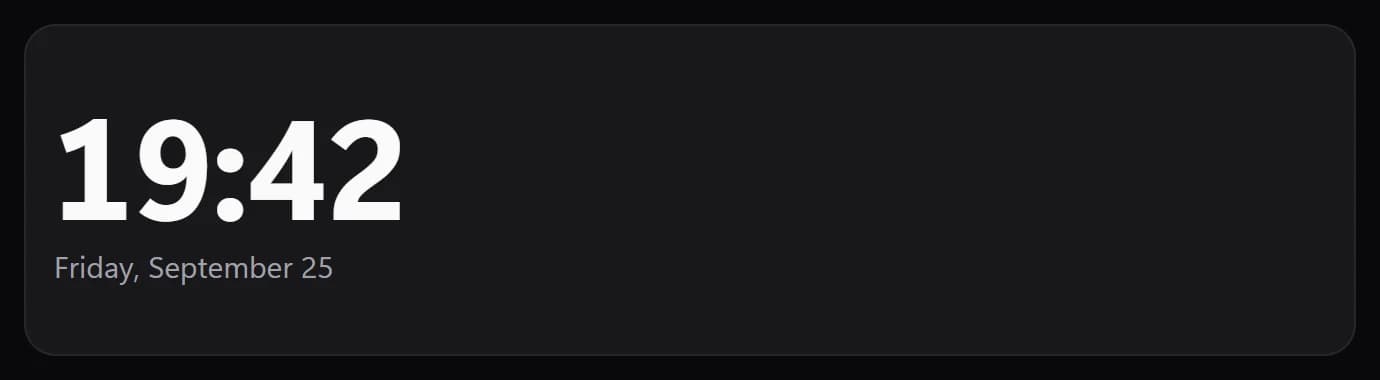
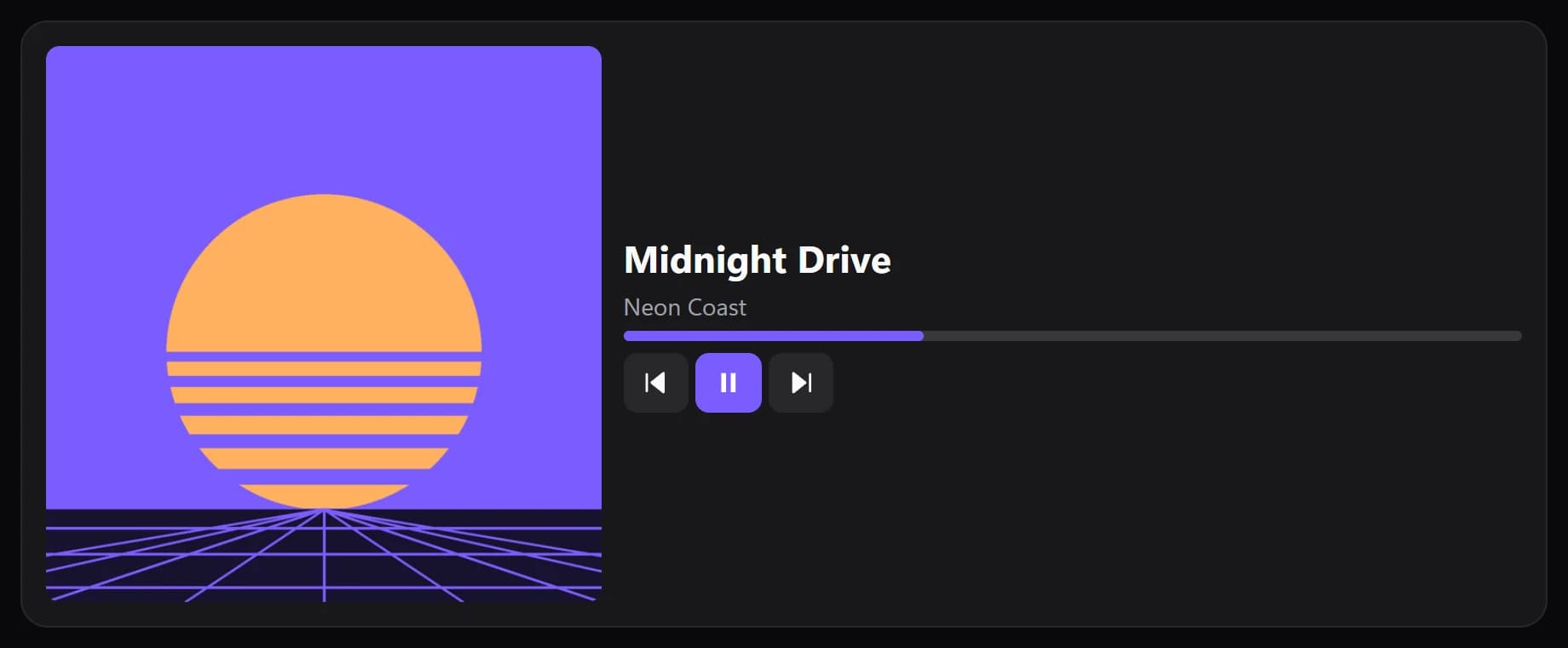
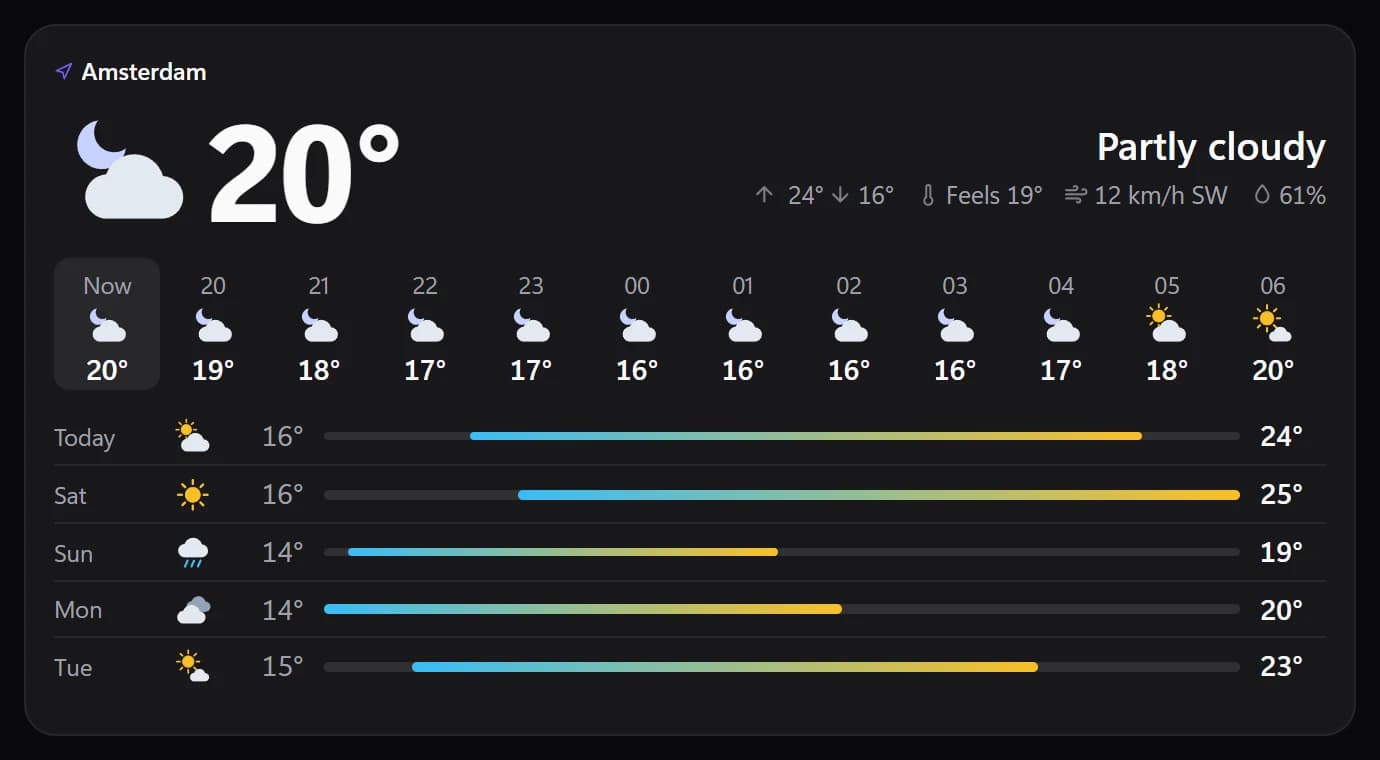
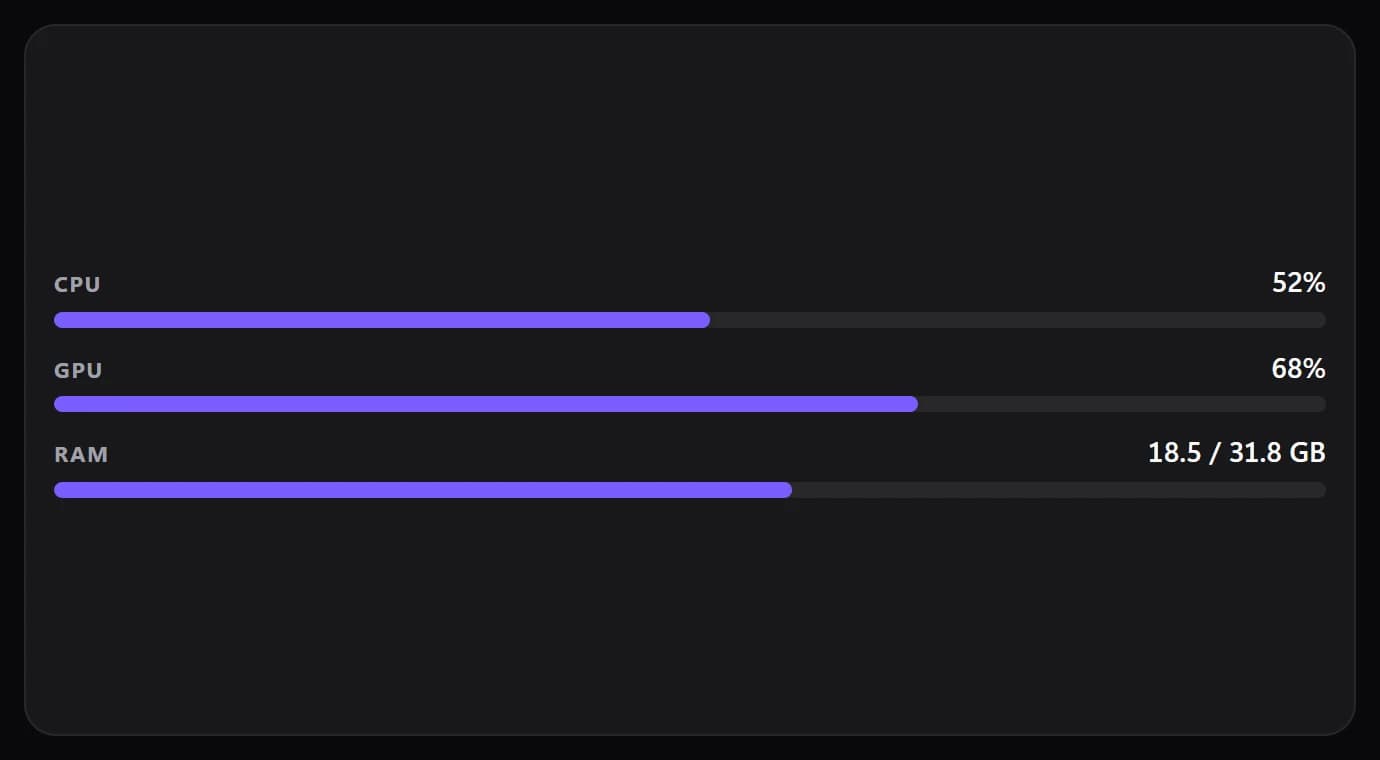
Built-in widgets
48 free, All 98 with PremiumWidget Builder (beta)
PremiumDesign your own widgets, then save and share them. Widgets you receive are free to use.
Edit designs
PremiumMove, resize and restyle every part of a widget.
Import widgets
FreeA folder with widget.json and index.html.
Streaming widgets
PremiumOBS Studio, Twitch and Kick.
Connect widgets
PremiumHome Assistant, Notion, Slack, GitHub, Stripe, Obsidian, Wave Link and Broadlink.
Remote PC
PremiumAnother PC's load, temperatures, game FPS and media, over your network.
QaemDev widgets
PremiumLaunchify, Deckord, Browser Media Controls and Gmail Connect, built in.
Discord buttons
PremiumMute, deafen, camera and more on your action bars, through Deckord.
Ready-made texts
PremiumGreeting, Big day, Date line and more in one click. Your own text is free.
Game libraries
PremiumSteam Launcher, GameShelf and Playnite Library.
Football
PremiumLive scores, fixtures and tables.
Window mirror
PremiumAny app window, live on your Edge.
Game mode
PremiumLive FPS, plus CPU and GPU load and temperatures while you play.
Taskbar
PremiumYour open windows and pinned apps, on your Edge or a monitor.
Taskbar corner widgets
PremiumSystem tray, tray icons, notifications, input language and connection.
Audio visualizer
PremiumCountdown with several dates
One date free, Up to 8 with PremiumCustom button, Folder and Video
PremiumiCUE widgets from the Elgato Marketplace
PremiumRainmeter skins
PremiumAdd .rmskin skins and place them like any widget.
Dynamic Island
The Dynamic Island sits at the top of your screens: music, Discord calls, Twitch, live scores, timers and your status. Tap it for controls, or open the Wide panel to see several at once.
Now playing, from apps and browser tabs
PremiumDiscord voice: who's talking, mute, deafen, leave
PremiumTwitch, OBS, live scores, timers and focus
PremiumThe Wide panel: your cards side by side
PremiumCommand center: Wi-Fi, Bluetooth, volume
Premium
Swipe the island for the next one · tap to open
Profiles
Keep a layout for each moment and switch with a tap, or let Spacedash switch by the app in front or the time of day.
Profiles
Default free, Unlimited with PremiumProfile automation
PremiumSwitch by the app in front or the time of day.
Look
Give the dashboard and every widget a look of its own.
Dashboard and page backgrounds
FreeWidget fonts, sizes and designed looks
FreeBuilt-in display fonts
FreeImport your own fonts
PremiumCustom widget colours
PremiumThemes and accent colours
Default free, all with PremiumA different look per layout
PremiumGlass looks
PremiumLiquid, Frosted and Smoked glass, and glass you can tune. Plain glass is free.
XENEON EDGE
Spacedash also fills CORSAIR's 14.5-inch 2560 × 720 touchscreen. It runs full screen in Desktop Mode or inside iCUE in Widget Mode, and picks the right one by itself.
Desktop Mode, full screen
FreeWidget Mode, inside iCUE
FreeTouch: tap, swipe between pages
FreeLayouts sized for 2560 × 720
Free
19:42
Friday, September 25
Midnight Drive
Neon Coast
Amsterdam
21°
21°14
20°15
19°16
21°17
20°18
19°
System
OBS Studio
LIVE 1:24:07Chat
mira that clutch was unreal
jonas GG!
1184
Viewers
48.2K
Followers
612
Subs
Game mode
144
FPS
Temperatures
Squad voice
4 people · you're live
Make your desktop yours.
Free for Windows 11 and 10. No account needed.