
A system monitor widget for your Windows desktop
Spacedash's System widget shows CPU load, GPU load and memory use on your Windows desktop as three live bars. It's free and works with any graphics card, without installing anything else.
It is the quick overview. For a graph per component there are the CPU, GPU and Memory cards, and Sensors adds temperatures and fans.
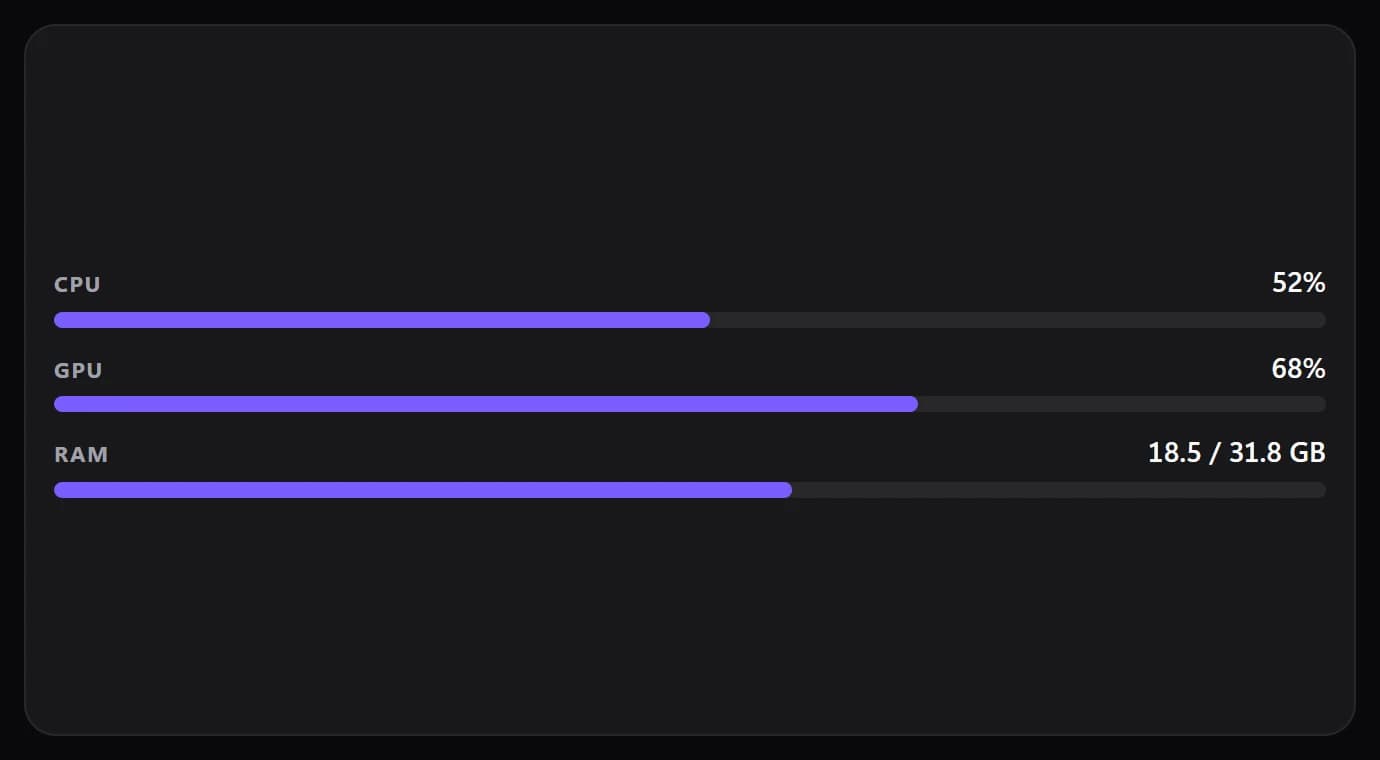
Shown at its default size, with sample data.
What it shows
CPU
Total processor load as a percentage with a bar.
GPU
Graphics load as a percentage. On a PC that doesn't report it, the row says n/a.
Memory
Used and total memory in GB.
Warning colours
A bar changes colour at 75% and again at 90%, so a busy PC stands out.
Where the numbers come from
All three come from Windows itself. GPU load is read from Windows' GPU performance counters, so NVIDIA, AMD and Intel graphics all work, with no vendor software.
It doesn't need administrator rights or a hardware-monitoring program. How often it updates is set under Performance → Update speed: every second by default, or every two or five seconds to save power.
Setups that use it
The starter layout
System next to the clock, what's playing, your tasks, the weather and the calendar. It's in the layouts Spacedash starts with.
A monitoring row
CPU, GPU and Memory cards side by side, each with its own graph, when three bars aren't enough.
Load and heat
System for load, Sensors beside it for CPU and GPU temperatures.
Parts you can restyle
Resize, recolour, change the font of, or hide each part under Customize → Layout.
- CPU
- GPU
- Memory
Good to know
- System shows load, not temperatures. Add Sensors for temperatures, fans and power.
- FPS isn't in this widget. It's in Game Mode, a Premium widget that shows the game you're playing.
- Nothing happens when you tap it; it only shows.
Questions
How do I show CPU and GPU usage on my Windows desktop?
Install Spacedash, open Layout, tap an empty cell and add System. It shows CPU, GPU and memory use as live bars on your desktop, on any monitor.
Is the System widget free?
Yes. System, CPU, GPU, Memory and Sensors are all part of Spacedash Free.
Does it work with AMD and Intel graphics?
Yes. GPU load comes from Windows' own counters, which cover NVIDIA, AMD and Intel.
Does it show temperatures?
No. Temperatures are in the Sensors widget.
Does it need administrator rights?
No.