
A CPU usage widget for your Windows desktop
Spacedash's CPU widget shows processor load on your Windows desktop as a percentage with a live graph, the recent peak and your processor's name. It's free.
It comes in two designs: a tall Card, and Wide for a short tile.
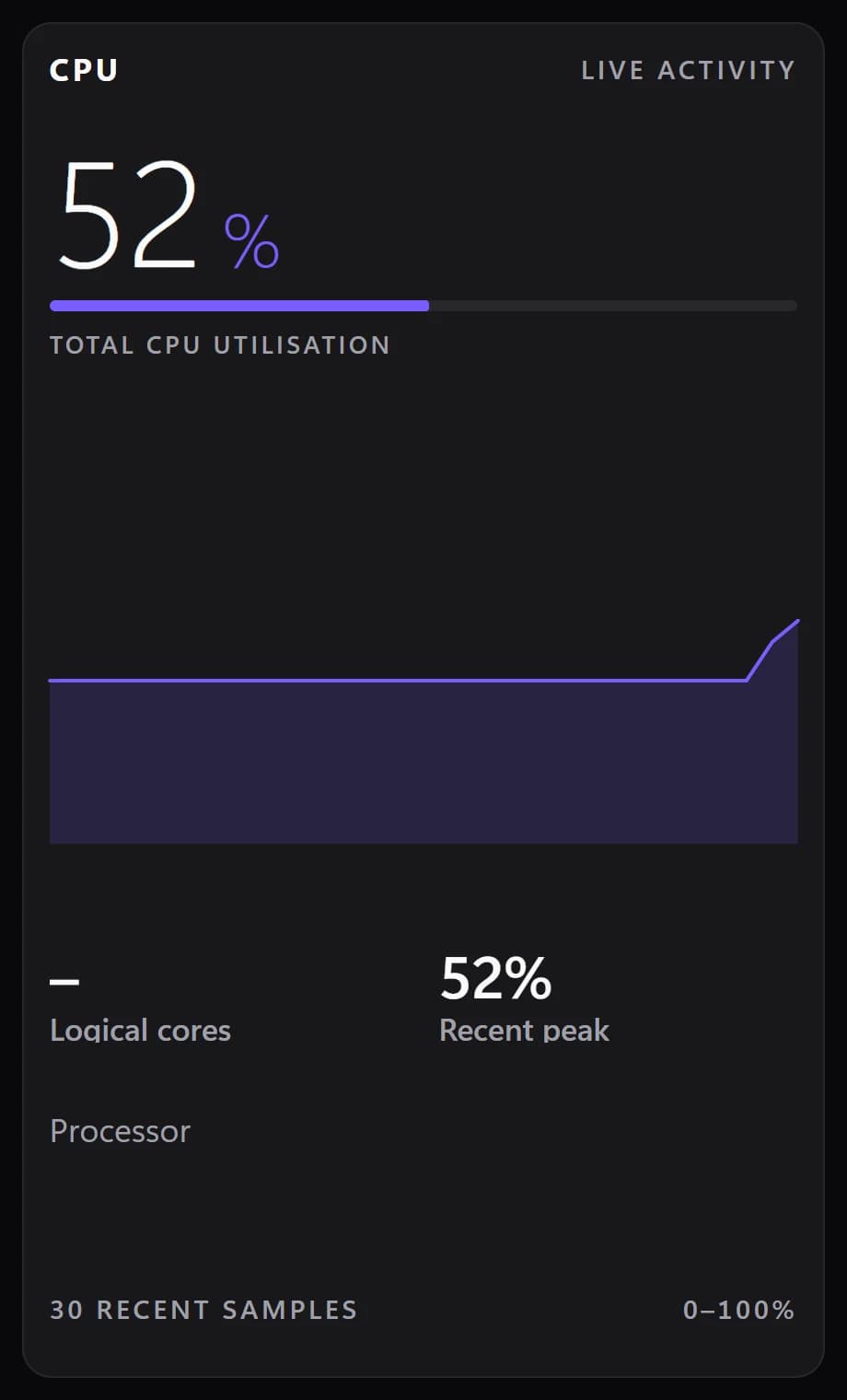
Shown at its default size, with sample data.
What it shows
Load, live
The current load as a large figure, over a graph of the last 30 readings.
Recent peak
The highest load in the last half minute.
Cores or clock speed
The number of logical cores, or the current clock speed.
Your processor
The processor's name as Windows reports it.
Where the numbers come from
Load is read from Windows, with no extra software and no administrator rights. Clock speed comes from HWiNFO when it's running, and otherwise from Windows' own processor performance counter.
Setups that use it
Three cards in a row
CPU, GPU and Memory cards side by side line up as one monitoring strip.
While rendering or compiling
CPU in the Wide design under your tasks, with an alert level so the figure turns red when the PC is flat out.
The compact version
System shows CPU, GPU and memory as three bars in one tile, when a card each is too much.
What you can set
- Alert at
- The figure turns red from here. 0 turns it off.
- Left detail
- Logical cores · Clock speed
- Tile box
- Off, the design floats on the background. On, it sits in a tile like the other widgets.
- Design
- Edited design
- Title
Parts you can restyle
Resize, recolour, change the font of, or hide each part under Customize → Layout.
- Title and caption
- Figure
- Bar
- Graph
- Details
- Note
- Footer
Good to know
- “Alert at” turns the figure red above a load you choose.
- The Card design is two columns by four rows by default; Wide is four by two.
- Parts you hide close up, so the card stays tidy with only the figure and the graph.
- CPU temperature isn't on this card. It's in Sensors.
Questions
Is the CPU widget free?
Yes. CPU is part of Spacedash Free.
Does it show CPU temperature?
No, it shows load. CPU temperature is in the Sensors widget, which reads it from HWiNFO.
Can it warn me when the CPU is busy?
Yes. Set “Alert at” to a percentage and the figure turns red above it.
Does it need administrator rights?
No.