
Display brightness
A brightness control for each display.
A built-in Spacedash widget for your Windows 11 or 10 desktop, at any size next to your other widgets. It works on the XENEON EDGE too. It's free, like Spacedash itself.
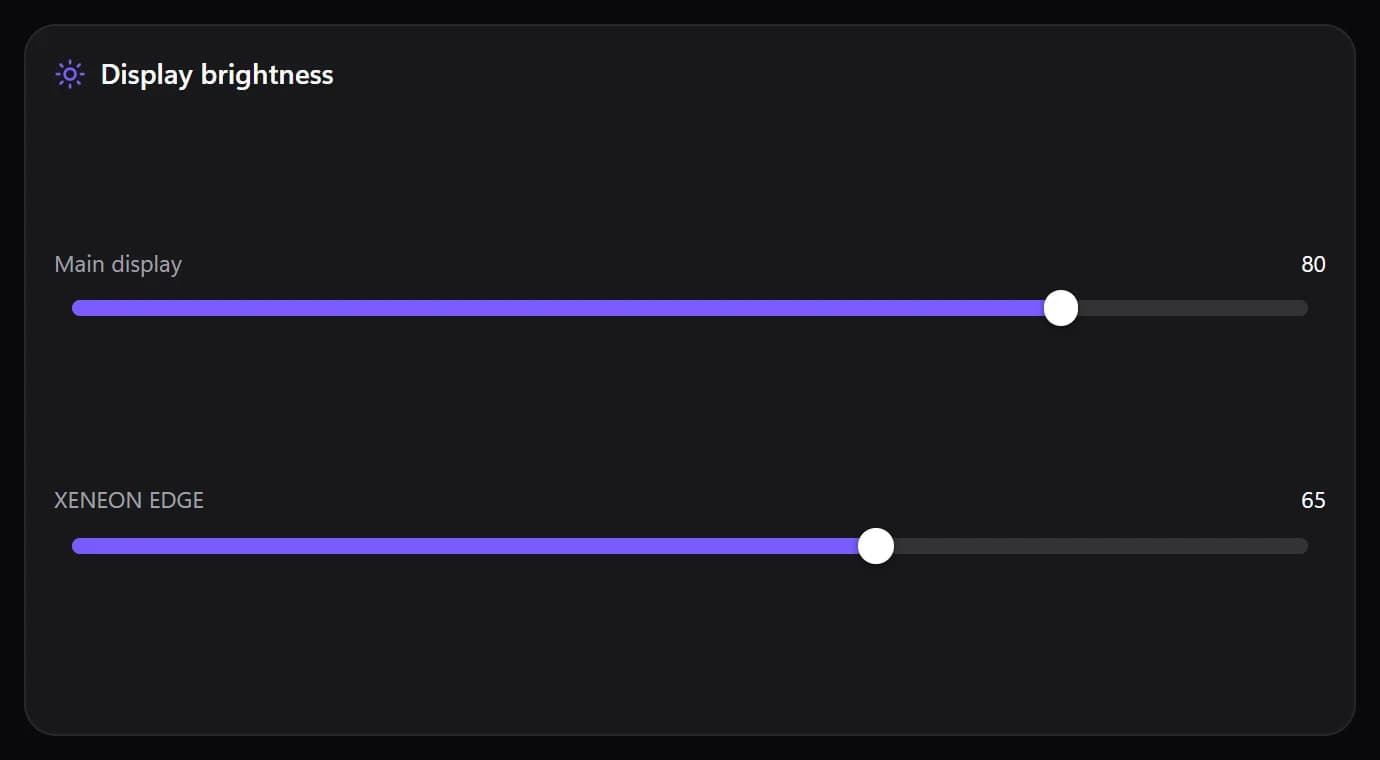
Shown at its default size, with sample data.
What you can set
- Style
- Sliders · Thick bars · Columns · Knobs
- Sunrise gradient
- The fill runs from a dim amber to bright white.
- One control for every display
- Show the title
- Show display names
- Show values
- Slider thickness
- Fill colour
- Track colour
Parts you can restyle
Resize, recolour, change the font of, or hide each part under Customize → Layout.
- Title
- Display names
- Values
Questions
Is the Spacedash Display brightness widget free?
Yes. Display brightness is one of the widgets in Spacedash Free, with no account and no time limit.
Do I need a XENEON EDGE to use the Display brightness widget?
No. Spacedash runs on any monitor on Windows 10 or 11, and on the CORSAIR XENEON EDGE in Desktop Mode or, inside iCUE, in Widget Mode.
What can I change on the Display brightness widget?
9 options, such as style, one control for every display, show the title and show display names. They're grouped as design and colours. Every widget also takes your own font, text size and look.
Can I move or hide parts of the Display brightness widget?
Yes. Its parts (title, display names and values) can each be resized, restyled or hidden under Customize → Layout.